Step 1: Lower the brightness on your monitor.
Is it just me or are everyone’s monitors set just a bit too bright? As a test, look at the white background of this web page. If it looks like a light source, it’s too bright! Go ahead, fiddle with your monitor settings right now. It’s not too difficult to do. For every new computer I sit on, whether it’s a friends or in a school computer lab, I always end up having to decrease the brightness cause I could feel it burning a hole in my eyes after 10 minutes.
Step 2: Install F.lux (It’s free!)
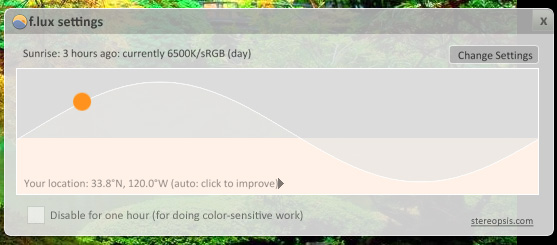
F.lux is one of the best, free tiny pieces of software you could install on your computer. F.lux will not exactly lower the brightness of your monitor but it will match up the hues (“color temperature”) to match the time of day (or night) it is and the type of lighting you have in your room. In the beginning you may think it makes the colors look strange, but you will adjust to it in a few minutes and the screen will be easier on your eyes than ever before.
Step 3: Make the inside of your room the same brightness as your monitor.
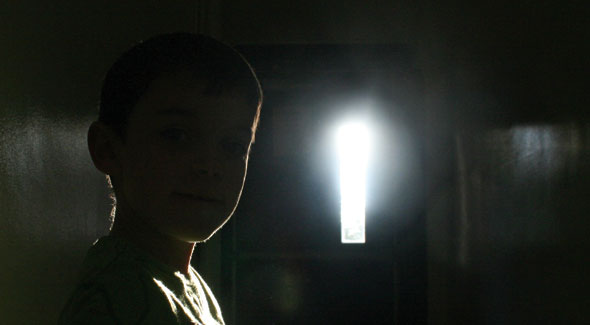
If you sit inside a dark room with the monitor glaring in your face, you’re just putting unnecessary strain on your eyes. The trick is to make it such that the monitor isn’t any brighter than the rest of the room, so it isn’t sticking out like crazy.
Step 4: Reduce Glare!
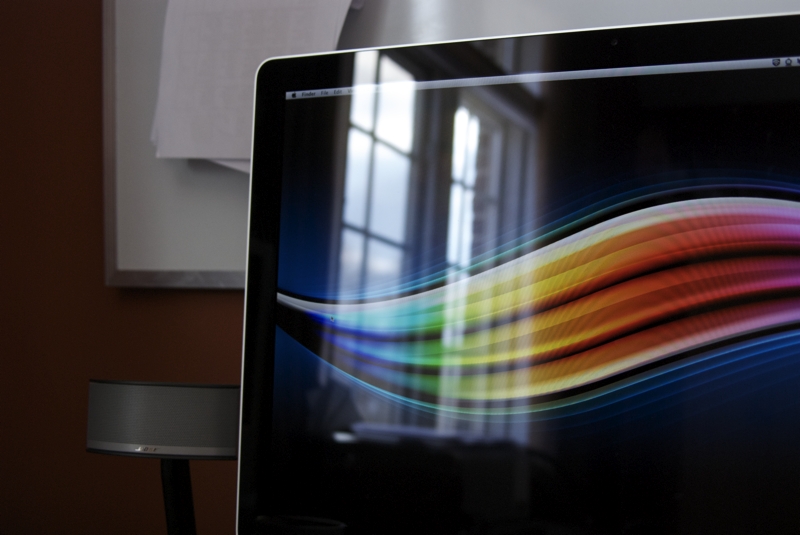
Is there a window or bright wall behind you causing all this crazy glare on your monitor? Glare drives me berserk! See if you could cover that window, or reposition your desk to reduce the glare. Also if there’s any bright light coming from behind your monitor or from the side, consider repositioning your desk for that as well. Drapes come in handy in these cases.
Step 5: Apply these same concepts to your cell phone!
Once the sun goes down, lower the brightness on your cell phone so that it’s easier on your eyes and it also dramatically extends battery life! Also, don’t get into bed, with all your lights off, trying to use the cell phone before you go to sleep, burning a hole in your eyes just before you go to sleep.
To ensure a good nights rest you should completely refrain from using all electronics at least 15 minutes before going to bed. The bright projection screen of a monitor or cell phone tricks your body to think it’s still day time. Sleep is not an instant switch you simply turn on and off: Treat yourself like a dimmer. 🙂
Hope that helps!